
Tamil Nadu Guidance
VKA Application by Timesmed
VKA Application by Timesmed icon

VKA Application by Timesmed

The VKA Application by Timesmed is a digital platform designed to help doctors and patients manage Vitamin K Antagonist (VKA) therapy more effectively. Patients who take VKA medications need regular monitoring of their INR (International Normalized Ratio) levels to ensure the medication dosage is safe and effective. The VKA app allows doctors to register patients and monitor their treatment, while patients can update their INR test results directly in the application. Based on these results, doctors can review the values and prescribe the appropriate medication dosage. This ensures continuous monitoring of anticoagulation therapy while improving communication between doctors and patients.
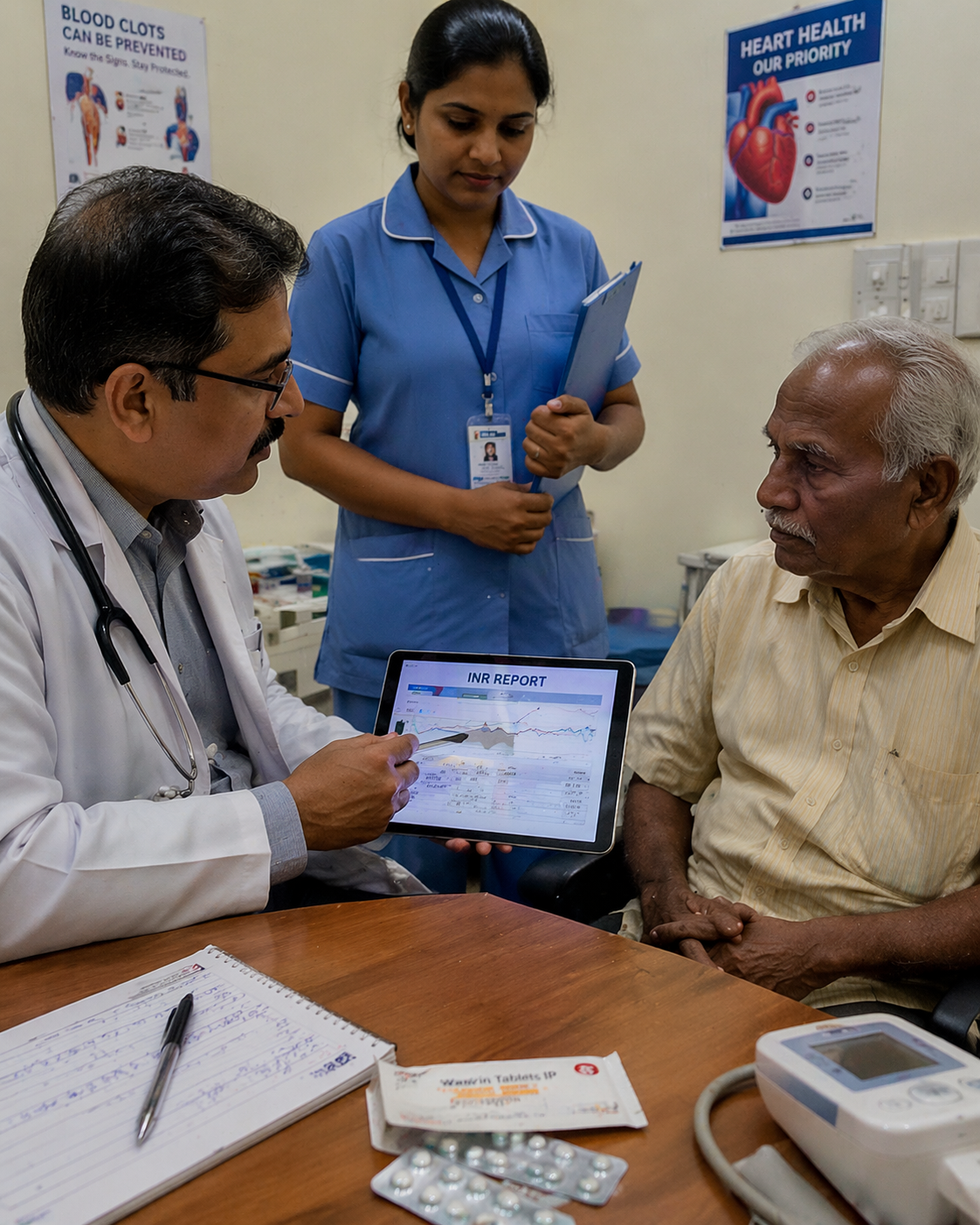
Why the VKA Application?

Doctor-Led Patient Management


The VKA Application allows doctors to easily register and manage patients undergoing Vitamin K Antagonist therapy. Healthcare providers can maintain organized patient records, track INR values, and oversee treatment progress through a centralized digital platform.

Easy INR Updates for Patients


Patients can conveniently update their INR (International Normalized Ratio) test results directly within the application. This allows patients to share their test results with their doctor without needing to visit the hospital for every update.

AI-Based INR Risk Alerts


Continuously analyzes INR trends, patient history, and dosage patterns to identify potential risks such as abnormal fluctuations or out-of-range values. Generates real-time alerts for both doctors and patients, enabling proactive intervention and timely adjustments to treatment plans. This reduces the likelihood of adverse events and enhances overall patient safety.

Real-Time Doctor Review


Once a patient submits their INR value, the doctor can quickly review the result through the application. This enables timely evaluation of the patient’s condition and ensures that any necessary changes to the treatment plan can be made without delay.

Accurate Dosage Management


Based on the reported INR values, doctors can prescribe the correct dosage of Vitamin K Antagonist medication. This helps maintain INR levels within the recommended therapeutic range, reducing the risk of complications such as bleeding or clot formation.

Continuous Treatment Monitoring


The platform maintains a history of INR results and medication dosage changes. This helps doctors monitor patient progress over time and make informed clinical decisions based on long-term treatment data.

Improved Patient Engagement


The application encourages patients to actively participate in managing their treatment by regularly updating their INR results and following dosage instructions provided by their doctor.

Secure Digital Records


All patient data, including INR reports and dosage prescriptions, are stored securely within the system, ensuring easy access for healthcare providers while maintaining data confidentiality.

Key Highlights

VKA Application by Timesmed highlight
Step 1 – Patient Registration icon

Step 1 – Patient Registration

  • The doctor registers the patient in the VKA application and creates a comprehensive digital profile capturing medical history, diagnosis, ongoing medications, and baseline INR details. This centralized record ensures continuity of care, enables longitudinal tracking, and forms the foundation for safe and structured anticoagulation management.
Step 2 – INR Test and Result Entry icon

Step 2 – INR Test and Result Entry

  • The patient undergoes an INR test as advised by the doctor at a lab or point-of-care setting. Once results are available, they are entered into the system through the application, ensuring accurate, time-stamped data capture and immediate availability for clinical review without delays or manual errors.
Step 3 – Doctor Notification and Review icon

Step 3 – Doctor Notification and Review

  • Upon submission of the INR value, the system instantly notifies the doctor. The doctor reviews the latest result alongside historical INR trends, dosage history, and patient-specific risk factors, enabling a fast, informed, and clinically contextual evaluation.
Step 4 – Dosage Evaluation icon

Step 4 – Dosage Evaluation

  • The doctor evaluates whether the INR level is within the therapeutic range by considering patient condition, treatment goals, and past response to medication. Based on this assessment, dosage adjustments are determined to maintain optimal anticoagulation while minimizing risks.
Step 5 – Dosage Prescription icon

Step 5 – Dosage Prescription

  • The doctor prescribes the appropriate Vitamin K Antagonist dosage directly through the platform. The prescription is instantly communicated to the patient via the application, ensuring clarity, reducing misinterpretation, and enabling timely adherence to the updated treatment plan.
Step 6 – Ongoing Monitoring icon

Step 6 – Ongoing Monitoring

  • The system continuously tracks INR values, dosage changes, and patient progress over time. It supports long-term monitoring, trend analysis, and timely intervention, helping doctors maintain stable INR levels and reduce complications such as bleeding or thrombosis.

Site Map

Visitor Count: 104281692

© 2025 All rights reserved